Double-cooked pork with beans
By VicentaLakin

Recipe Recommendations
- beans 400 grams
- pork belly 200 grams
- garlic three-petaled
- oil little bit
- salt appropriate amount
Steps for Double-cooked pork with beans
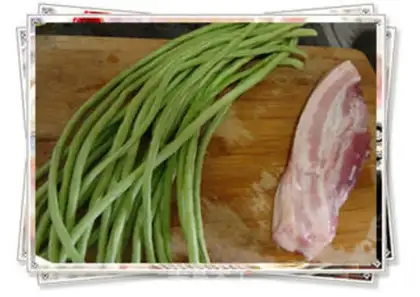
1
Wash the beans and pork belly for later use.
2
Pick the beans, beat the garlic into pieces and peel the skin.
3
Cook the pork belly in the whole piece in water for 15 minutes.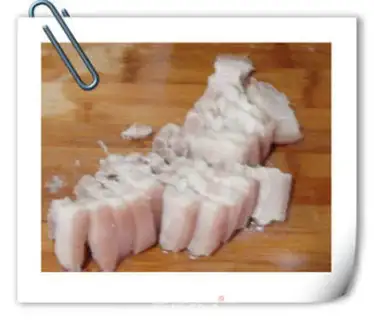
4
After boiling the pork belly, rinse it with clean water, and then cut it into thin slices, the thinner the better. Don't follow me, cut it too thick.
5
Put a little bit of oil in the pan to moisten the base, add the pork belly and stir-fry until both sides are slightly yellow, and add garlic.
6
Add the beans and stir-fry until they change color. After the beans are slightly dry, add salt. After frying well, add a little water and simmer them slightly. Once the beans are cooked, they can be put on the pot.
7
The finished picture looks good.Double-cooked pork with beans Make Tips
1. As a Chaoshan person, I also like to add Chaoshan Shacha sauce when braising. The Shacha sauce is slightly sweet, fragrant and slightly spicy. Add a small spoonful to the beans and it will be delicious.
2. In the last step, be careful not to go into the water too quickly. Wait until the beans are dry and a little wrinkled before adding salt and water to stew. Finally, stir-fry until the water is dried, otherwise the beans will not taste good if there is too much water.
2. In the last step, be careful not to go into the water too quickly. Wait until the beans are dry and a little wrinkled before adding salt and water to stew. Finally, stir-fry until the water is dried, otherwise the beans will not taste good if there is too much water.